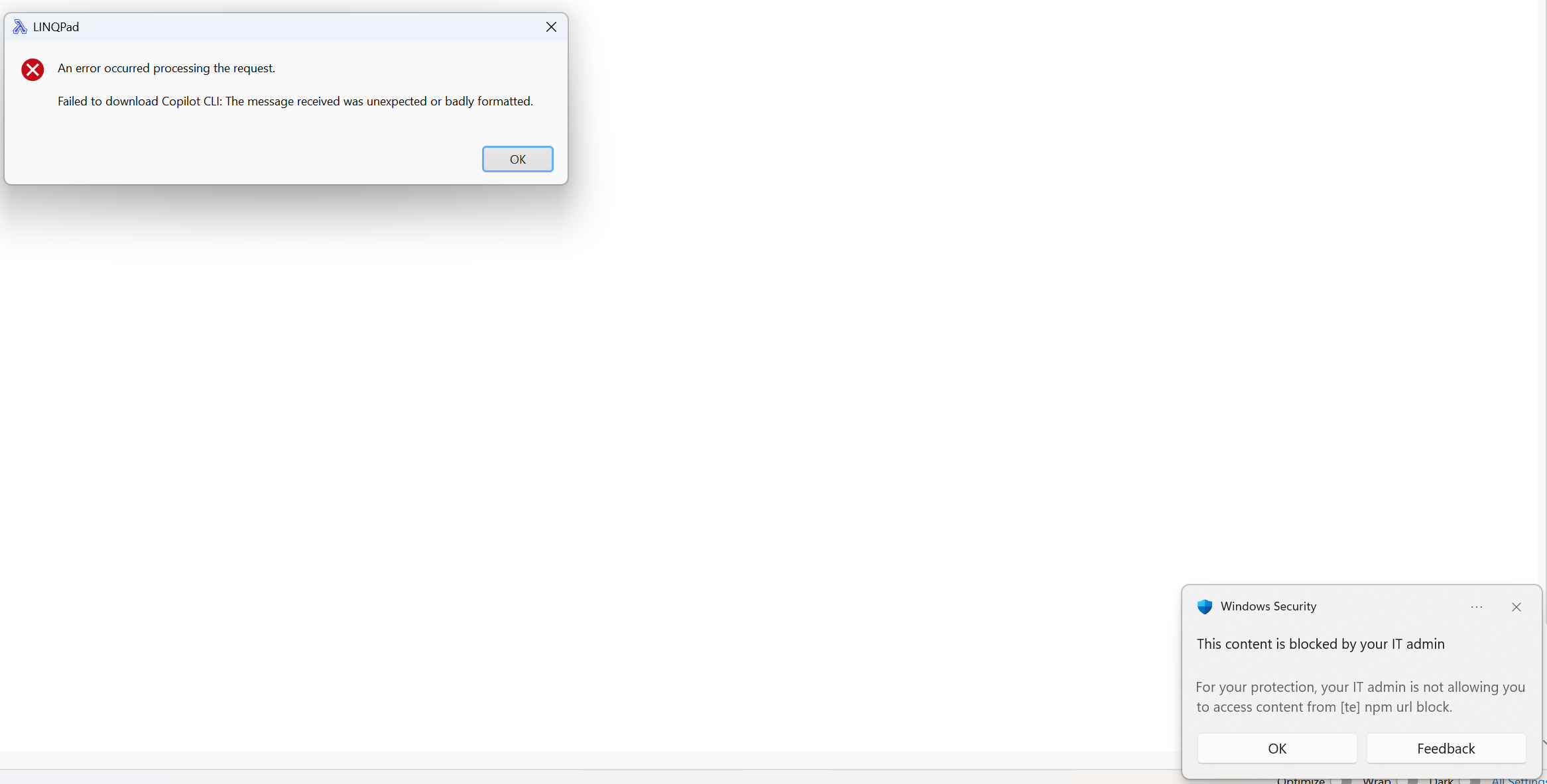
Corporate IT/Defender blocking LINQPad's attempt to download copilot npm package

Microsoft IT's internal policies cause Defender to block registry.npmjs.org (WCF category "[TE] NPM URL Block"). I already have @github/copilot installed at %AppData%\npm\copilot.cmd from our internal npm mirror. Is there a way to tell LINQPad's AI to use that existing CLI instead of downloading?
copilot.cmd is in my %path% but it seems LINQPad keeps trying to download it anyway
Best Answer
-
I've just released the 9.11.6 beta which should address your issues.
First, it should no longer query the official NuGet repository after you uncheck it in LINQPad's Settings > NuGet Settings.
Second, it will pick up a custom npm registry if you have one configured. Alternatively, you can specify your npm registry URI in LINQPad's Copilot configuration dialog:
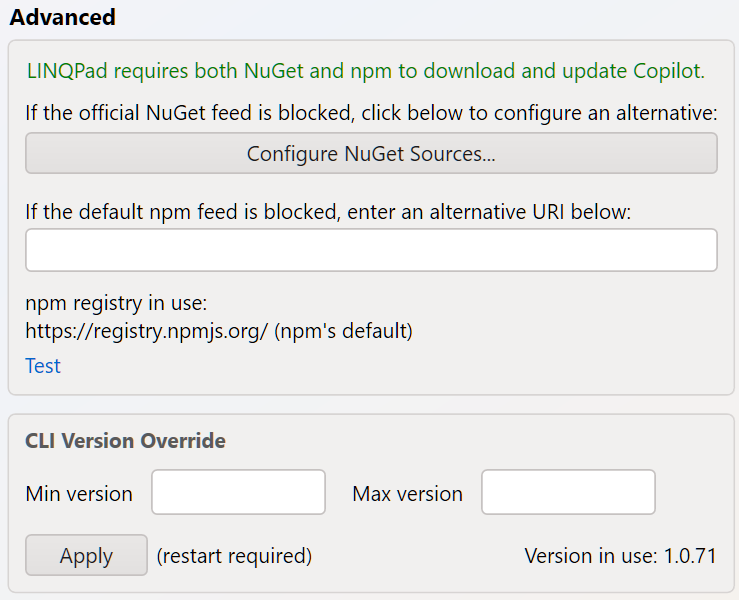
Let me know how you get on.

Answers
-
It's not that straightforward because LINQPad needs the LSP as well as the CLI (separate downloads), and there's a risk of failure if the version doesn't match what the NuGet package expects. Your best bet is to copy the copilot and copilot-language-server folders in %localappdata%\linqpad from another machine.
-
That worked, thanks!
-
That said, please consider expediting a fix for this. Many times a day now I'm getting this Defender warning:
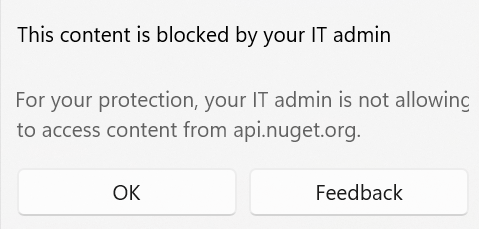
(note this is for nuget). I hope you can add a Setting for both npm and nuget alternate feeds to get around this. I suspect many users at MS will or have already stopped using LINQPad due to how much of a pain this is
-
That's another issue - thanks for letting me know. What's happening here is that LINQPad is still querying the official source for certain operations, despite you (presumably) having disabled it. What should happen instead if the official source is disabled is that LINQPad should revert to the union of the enabled sources.
I'll look into this further - along with option of providing an alternative npm source.
-
Hello I have a similar issue with npm, for Mac where I'm supposed to put the packages you mentioned.
-
It's in the same place on macOS. Go to Settings > AI Providers and click the Configure link on the Copilot provider.
Note that right now you will need the 9.11.6+ beta:
https://www.linqpad.net/linqpad9.aspx#beta -
So I have configured nuget, this part worked, but behind the scenes it tries connecting to NPM which is blocked by my companies policy. you mentioned to copy the installed files to %localappdata%\linqpad but what is the Mac equivalent.
-
It's the same on macOS, with %localappdata% expanding to ~\Library\Application Support.
Look for the two copilot* folders:
~\Library\Application Support\LINQPad\copilot
~\Library\Application Support\LINQPad\copilot-language-server -
@JoeAlbahari said:
I've just released the 9.11.6 beta which should address your issues.
...
Let me know how you get on.Sorry I guess I had email notifications disabled, just seeing this. But yes, I just installed it and it seems to be working! I haven't gotten any more npm/nuget errors since launching it, thank you for the quick turnaround as always!!
