Font size anomalies in LINQPad 9

I've just upgraded to LINQPad 9 (licensed user since 2012). It looks great and I'm sure I will enjoy all the improvements as I always do. There are some font size anomalies I've noticed though.
I use DejaVu Sans Mono. Size 9 pt in Visual Studio, Notepad++, bash, Windows Terminal and 12 pixels in VS Code all look identical and produces visuals that I like.
I'm guessing that LINQPad (9, 8, and probably some/all previous versions) sets the font size to 10 pt by default. Previously, despite LINQPad lacking an explicit font size setting, I used to be able to adjust the size to get it looking the same as the other apps. But now, the first smaller size looks too small, and doesn't match the 9 pt visuals.
Here's how the steps work in LINQpad 8 (default -> smaller -> smaller):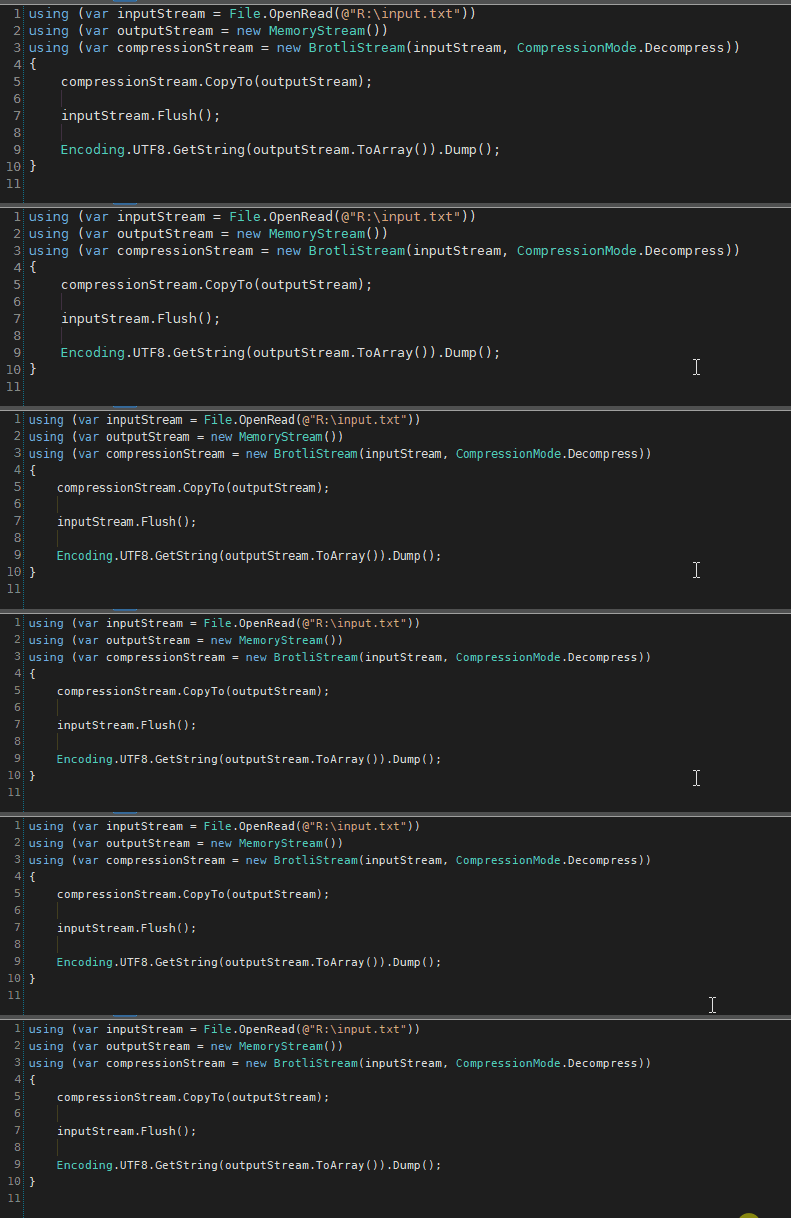
It's the middle step that matches the 9 pt in all the other apps.
Here's how the steps work in LINQpad 9 (default -> smaller):
This only has the equivalent steps 1 and 3 of LINQPad 8, missing the one in the middle. Further, the smaller step is still not matching the visuals of LINQPad 8.
Taking screenshots of LINQPad 8 and 9 and overlaying them, the default font size produces identical visuals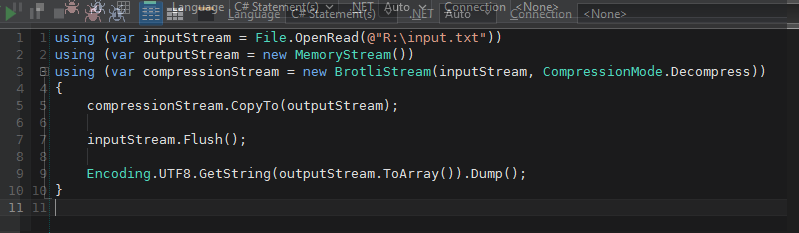
However, if I go down one step smaller in LINQPad 9, it's a) already too small than 9 pt, the original issue I described, and b) still doesn't match going down two steps smaller in LINQPad 8: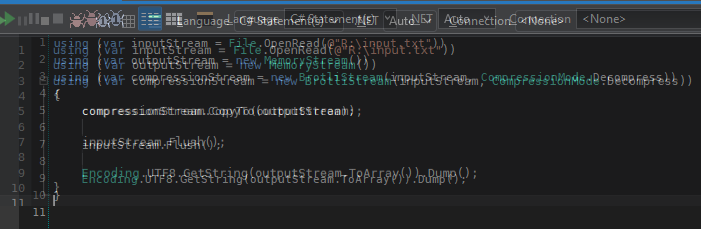
I guess the best solution would be to give us the option to set the font size explicitly in the settings. I've always found it odd that this doesn't exist in the first place in a piece of software where the main interaction is via a text editor.
Comments
-
It looks like LP9 only zooms by 10% jumps, whereas I could achieve 85% in LP7 etc.
It'd be really great to have more control over the font - bold vs not; exact size etc., or at least finer zoom while holding shift or something. -
This is non-trivial to fix. I can easily add intermediate steps, but they won't look optimally sharp on low-DPI screens.
I'll think over this further and let you know.
-
This should now be fixed in 9.6.3.
A completely separate font scaling mechanism now engages when the editor runs on a low-DPI screen. The jumps are based on point size changes, so the step size is now around 8%. On high-DPI screens, it switches to a ScaleTransform, using 5% increments up to a certain threshold, then 10%, and then 20% as the font size grows.
You can also choose a base font size in Settings, so you can select 9 point (12 pixels) instead of the default of 10 point (13 pixels). You can also select a font weight, such as Bold or SemiBold.
Let me know how you get along.
-
Just upgraded. Default font size and weight are very sensible additions. Things are looking the way I'm used to and I'm happy.
That you did all this in such a short time is adding to the pile of reasons why I've been singing the praises of LINQPad for years!
Thank you.

