Title bar - change to show currently active query with dirty indicator?

Well, let me tell you what I'm trying to do, first, before I get to that subject line.
I use a program/service called RescueTime to track my usage on my work computer every day. It's just for me, not corporate mandated, thankfully. I have a program installed by that website that tracks my activity in programs during the day, and sends calls to the API to record what programs/windows I've had open.
I am also using Rider/Webstorm/other Jetbrains IDEs to do 'real work'. Jetbrains has started offering the AI Experimental Features plugin, that, as part of it's feature-set, shows a synthesized 'what did I do today'. It is, essentially, collecting your usage data within the IDE, using what I assume are internal measures, like, switched to document, build, run, debug, change file, etc, and it seems to capture some context, then it batches up these breadcrumbs, has an LLM analyze it, and then outputs some summaries in your window. I did some detective work and found where that data gets written on disk.
E.g. 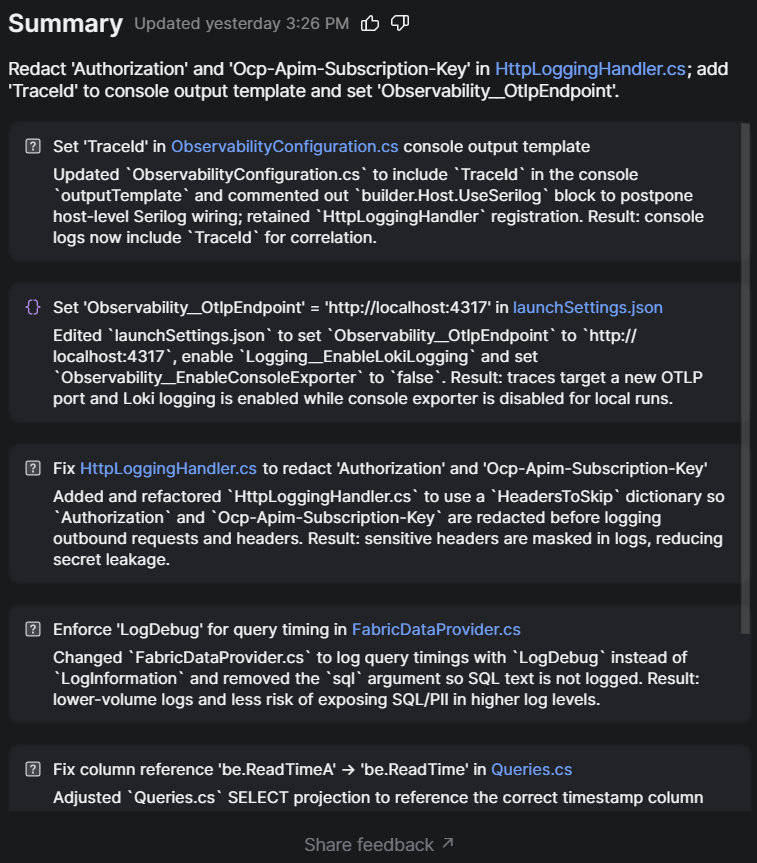
With Claude's help, I wrote a 2-hourly powershell script that runs and collects what's changed in the Recap json files, and dump that into a staging json for the day.
At the end of the day, I have a Claude scheduled task written now, that does two things:
1) Go read my Rescuetime feed for my day and see what it recorded
2) Go read the recap staging jsons for my Jetbrains IDE usage
3) Synthesize a summary of the daily activity
4) Post it back to Rescuetime 'Highlights'.
So I end up with this. Here is what I got for 7/7/2026.
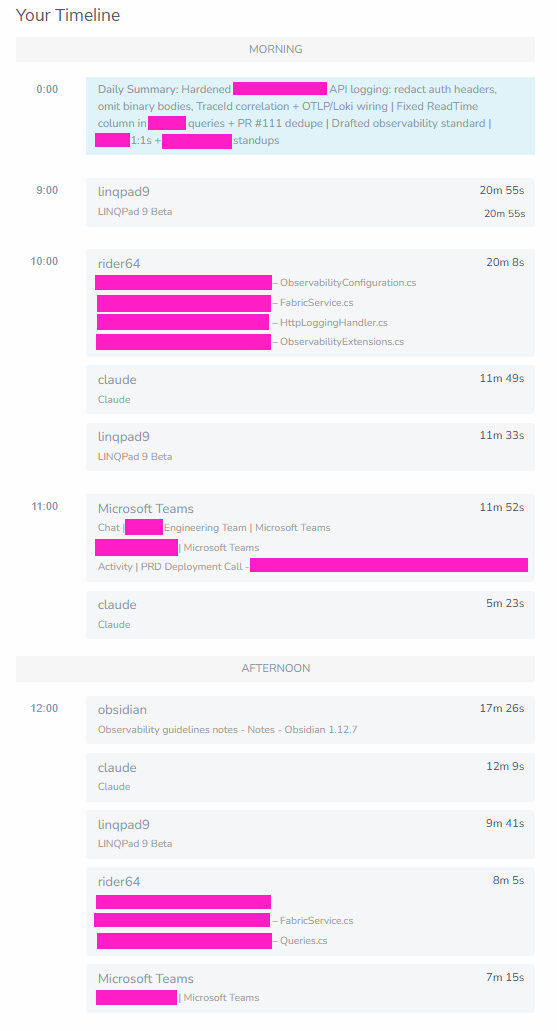
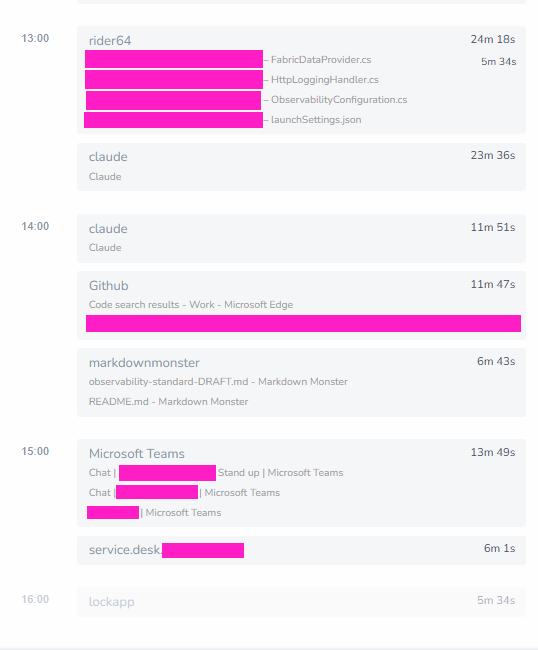
So, why? Well, I'm just terrible about remembering to do this kind of work every day. I got to this solution just because it makes it much easier to see what I actually did. I've been using this service for years now.
What's the issue?
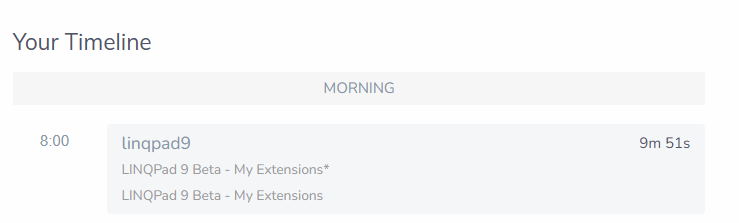
See those blocks for Linqpad? It just shows:
linqpad9
LINQPad 9 beta
There's a setting in the Rescuetime app for adding 'subtasks/subcategories' for programs - I have it enabled for most programs like IDEs or Text Editors and for those, it works fine. Essentially all it seems to be doing is capturing the Main Window Title of the application.
Works for Rider, Visual Studio, VS Code, Webstorm, Markdown Monster, Notepad++. All these programs show what file you have open in the main window title as you use them.
Linqpad doesn't - don't know if it ever did?
While I would dearly love some kind of plugin system like JetBrains has for its IDEs in Linqpad, too, I realize that's really a huge ask, so that one's right out the window. Put that in the back of your mind, maybe, as a future feature someone might want, but I'm not holding my breath.
The shortest term fix would be just to add an option to Linqpad such that the main window title changes to whatever script you have open when you switch scripts, and also providing the 'unsaved changes' symbol.
We can argue about the actual usefulness of this. And we can also argue about my choices here - normal human beings are probably just fine getting into a daily 'write what I did today' habit, but I found something that worked for me. We could also, separately, argue about the wisdom of exposing my daily activities to third party services, but thankfully I don't work for a company that requires secret clearance or any of that stuff.
Thanks for reading and considering.
Best Answers
-
Adding the current document name to the window title is an easy mod. I'll put this into the next build. Note that under Windows, the document-appended text won't appear in the custom-drawn title bar (because it's unnecessary and there may be insufficient space), but it will still be reported to the OS and will show in the taskbar.
-
Awesome. Thanks!

Answers
-
@JoeAlbahari I see this has been updated in latest beta version. You rock. Works as expected.