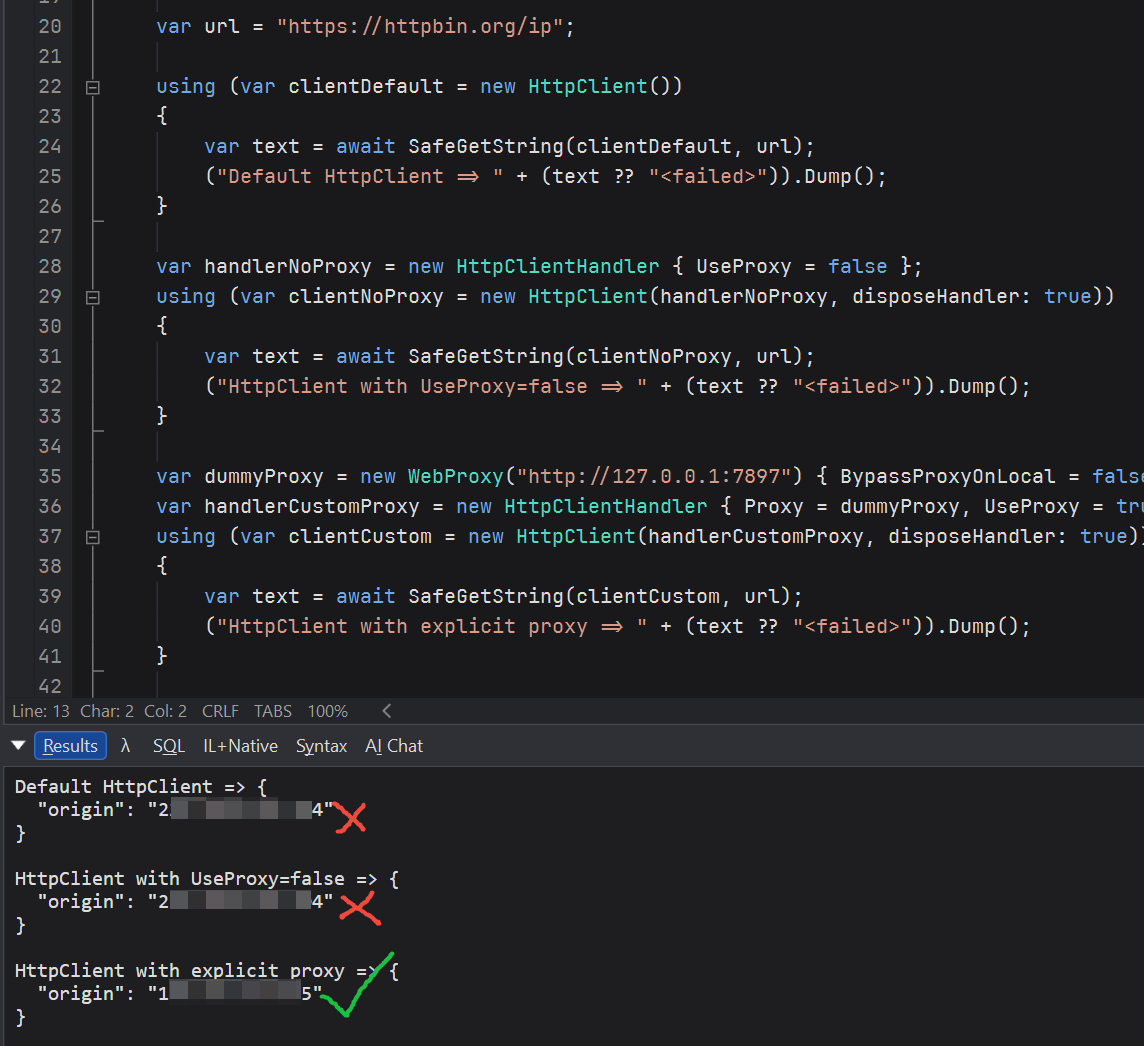
the web proxy I set was not working

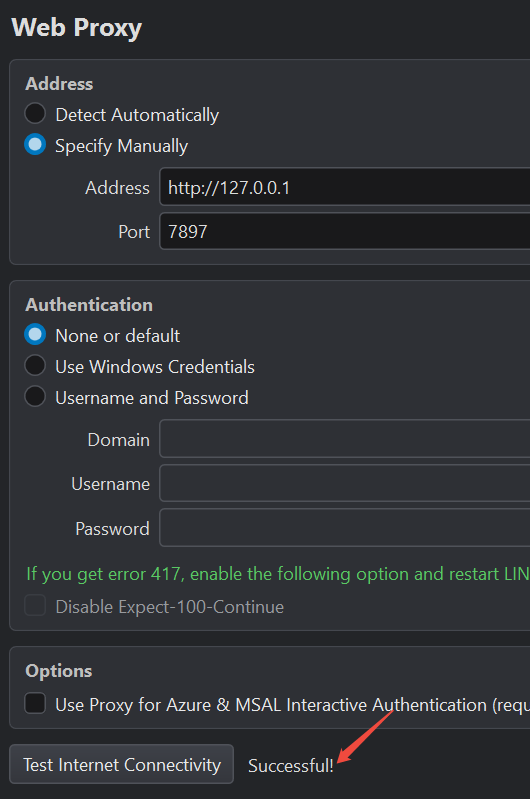
My Linqpad configuration is as follows:
LINQPad9 (Preminum Edition) v9.7.13(X64)
Tools | Settings | Web Proxy | Specify Manually
Address http://127.0.0.1
Port 7897
When using it, I found that all network requests were not going through the proxy; in other words, the web proxy I set was not working.
Answers
-
-
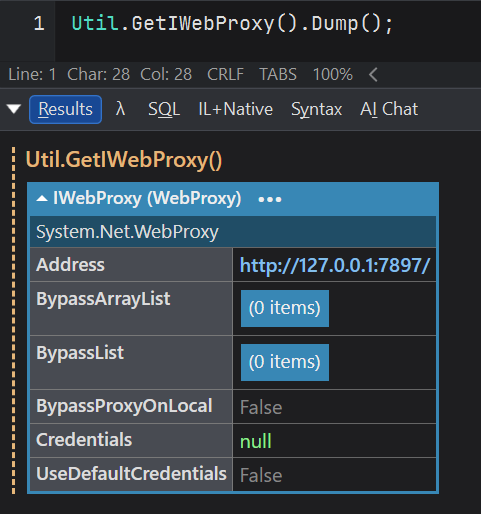
I'll add a checkbox to make this work with scripts in the 9.8.2 beta today or tomorrow. In the meantime, you can explicitly set the proxy in your code as follows:
if (Util.GetIWebProxy() is {} proxy) HttpClient.DefaultProxy = proxy; -
@JoeAlbahari said:
I'll add a checkbox to make this work with scripts in the 9.8.2 beta today or tomorrow. In the meantime, you can explicitly set the proxy in your code as follows:if (Util.GetIWebProxy() is {} proxy) HttpClient.DefaultProxy = proxy;I initially discovered that the proxy wasn't working when using NuGet, and then I tested it in the script.
-
@JoeAlbahari said:
I'll add a checkbox to make this work with scripts in the 9.8.2 beta today or tomorrow. In the meantime, you can explicitly set the proxy in your code as follows:if (Util.GetIWebProxy() is {} proxy) HttpClient.DefaultProxy = proxy;By the way, which network requests are affected by the web proxy settings?
-
This is now implemented in 9.8.2. Go to Settings > Proxy and tick the new CheckBox.
I'll check out the issue with the NuGet package manager in the next few days.
-
I've just released the 9.8.4 beta which includes a redesigned proxy integration with the NuGet client. Let me know how you get on.