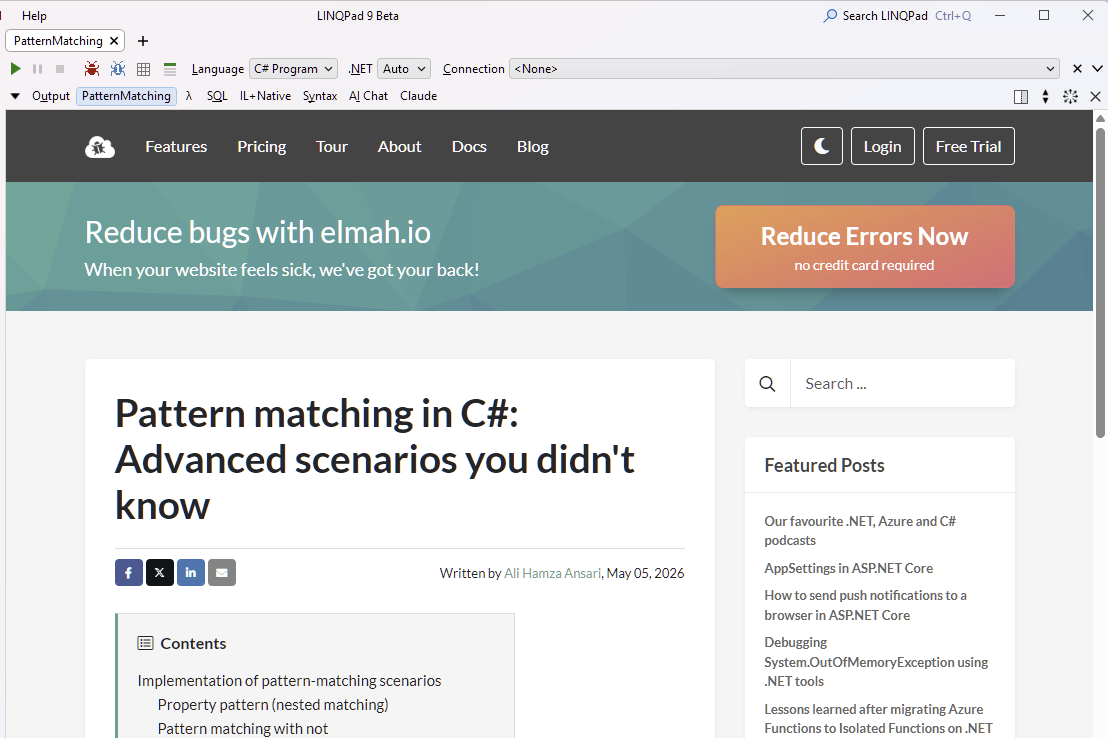
Markdown file rendering

Hi, Is Markdown file rendering available? It's great to be able to view .md files alongside .linq ones but is it possible to see the rendered view in addition to raw syntax highlighting? Could that be a right click on the file tab to toggle between the two?
Another markdown request (and these are both in the nice to have category, not essential) is: could text wrapping be on by default for markdown files?
Answers
-
Have you tried Util.Markdown? You can also use the MarkdownViewer class in LINQPad.Controls.
-
Hi, Yes I have and that's being put to good work rendering Visual Studio chat sessions - thank you.
My main use-case is for README.md files where I want to have some reference content for a folder and I'd just like to open the file to view. If I had to choose between pressing F5 vs just the syntax highlighted I think I'd probably go for the latter.
As I say, if it aligned with your thinking then I'd welcome it, but syntax highlighted raw markdown is super helpful already.
-
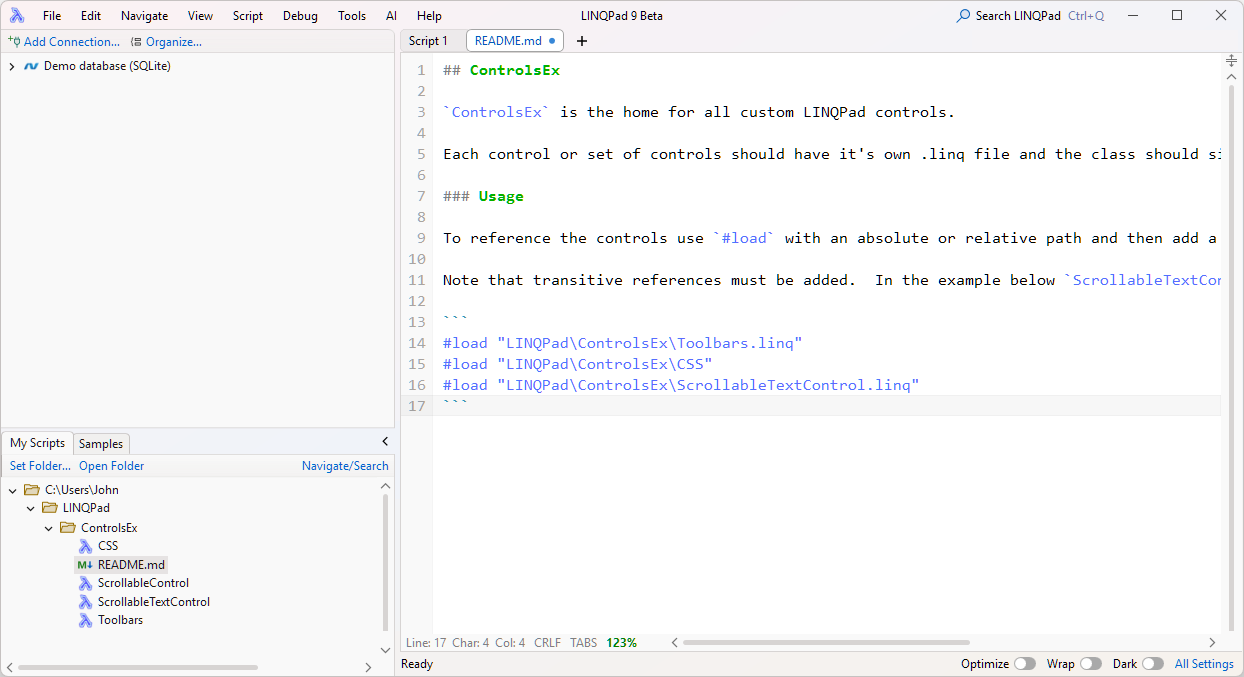
I see - you want a live preview.
This has been on the TODO list (for .html and .md files) for a while now. I'll check whether this can be implemented easily.
-
That would be great. I can imagine using html preview too.
-
Thanks @JoeAlbahari you are making my many hacks and custom visualizers useless one by one!
-
Looks great (in 9.9.8).
I like the live edit for markdown files. If I could add one enhancement it would be an additional setting:
Settings / Results / File Preview :
- Markdown: Collapse editor by default
Ticking that would result in the full preview rather than the split one:
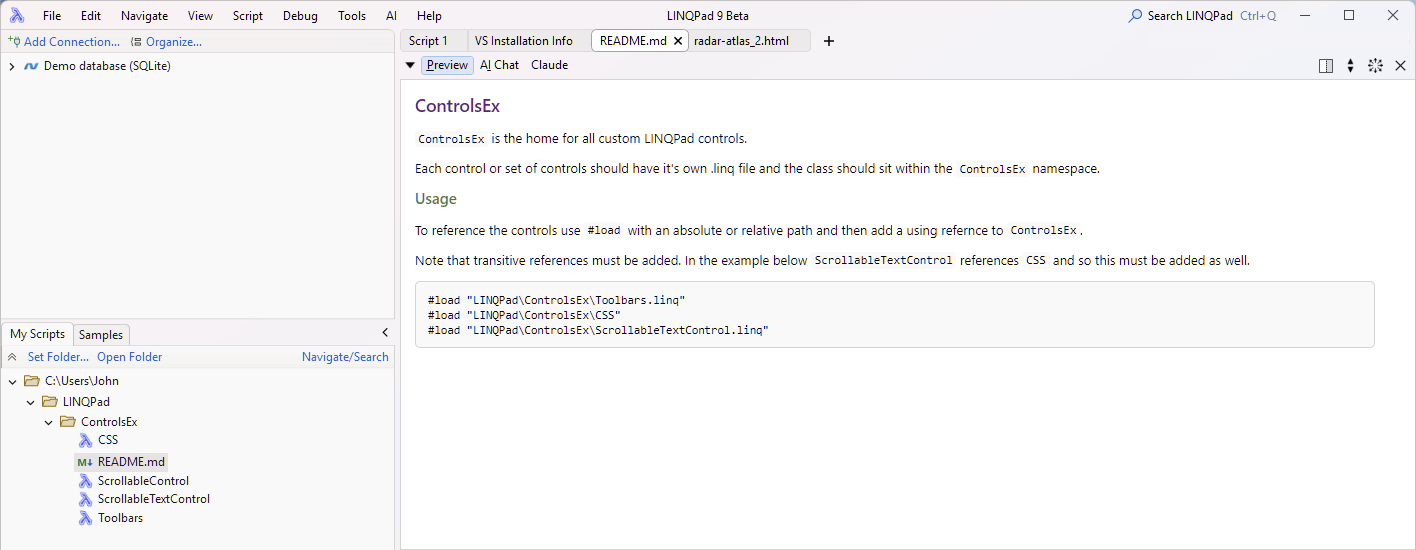
Anyway, much more beautiful - thank you!
-
One other scenario that I would use, would be supporting .url files both in the treeview and as preview candidates.
For example, a file named
PatternMatching.urland with content:[InternetShortcut] URL=https://blog.elmah.io/pattern-matching-in-c-advanced-scenarios-you-didnt-know/
would render as: